


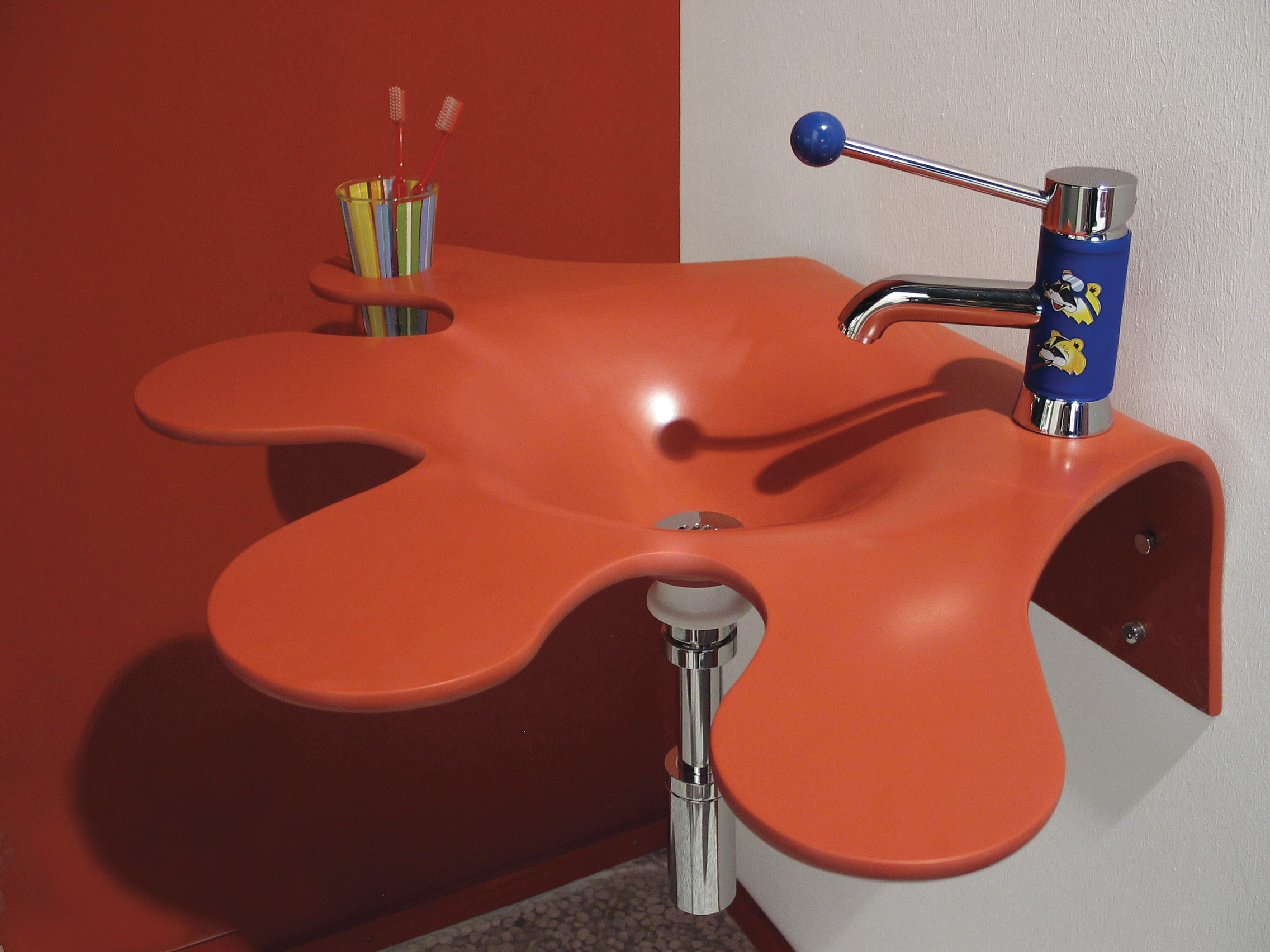
Customers frequently ask if we can custom cut Corian® solid surface sheet material for them. The answer is “yes,” if you use our Custom Vanity Top Designer tool! You can select from the full premium line of DuPont Corian® solid surface colors or, in the alternative, all of the premium colors of HI-MACS® from LG Hausys. Both of these popular brands of solid surface are available in the Custom Vanity Top Designer℠ tool. That is where you can design and order a custom cut piece of solid surface sheet material and have it sent to you within 15 business days. Let us show you how easy it is.
Anyone can order a piece of Corian® or HI-MACS® cut to a specific size by simply leaving off the sink and edging options. You can even request the type of finish you would like. The steps below will guide you through how to use this feature of the website to order your custom cut solid surface piece.

Unless otherwise specified, the top surface of the material will come with a matte finish. If you want a high-gloss or any other type of finish, you will have a chance at the end to add your finishing details into the “Comments or Requirements” section.
For in-depth, detailed instructions on how to use the Custom Vanity Top Designer℠ tool, please click here.
Using the Custom Vanity Top Designer℠ Tool
Step 1: Brand, Color and Size Options
Begin at the SolidSurface.com home page. Click on “Custom Vanity Top” in the menu bar near the top of the page to begin your customization. Select the brand of material, either Corian® or HI-MACS®, and choose your desired color. Click “Next.”

Select the “Width” (length) and “Depth” of your material, or countertop, by using the sliders, or inserting a number in the box for each dimension. Click “Next.”
Step 2: Skip the Sink Options
Since you are designing a custom cut piece of material, and not a vanity top, you can skip over all of the sink options. The defaults are already set to 0 for sinks, no buildup, and no faucet holes. Either click “Next” until you reach Step 3 – Edge Options, or simply click on “Edge Options” on the right-hand column.
Step 3: Edge Options
Because you are ordering a custom-cut single piece of solid surface, you will not need a back splash or side splashes. Click on “Edge Appearance” to show all of the different decorative edges you can choose from. The default for all of the edges is the first one, “1-1/2″ Square-Eased.”
It is extremely important to note here that this default edge option includes a “build-up.” So, if you are looking for a flat, custom-cut piece of solid surface, you would need to change this selection to: 1/2″ Finished Square Edge (Eased) No Profile, No Build up.”

Assuming you want all edges to be the same, whichever edge you choose for the back edge would be the same option you would choose for the left, right and front edges. Click on the “Current Selected Options” in the right-hand column to verify your selections. If everything looks correct, click “Next” to move to Step 4.
Step 4: Add to Cart
Before adding your custom cut CorianⓇ or HI-MACSⓇ solid surface piece to your cart, be sure to save your design. You can do this by clicking on “Save it” in the “Share Your Design” box, or by clicking on “Save for Later” in the lower right-hand corner of the dark blue box. You can also share it, pin it or email it, making it convenient to get another opinion.
Next, enter any comments or special requirements you may have in the space provided. For example, this is where you would indicate any type of special finish that you would like. If you are satisfied with your selections, click on the box “I have reviewed and approve my design.” Then click “Add to Cart.”

You will be returned to the initial design page which will show a message in the upper left-hand corner that says, “You added Custom Vanity Top to your shopping cart.” Either click on the “shopping cart” link in that message, or click on the cart in upper right corner.
Click on “View Custom Options” if you would like to see all of the specifications for your custom cut solid surface material. From here you can proceed to checkout.
Custom Shapes
If you are in need of a more customized shape or size, such as an oval, round piece, or any other shape, and you have CAD type drawings, contact customer service and we can provide a custom fabrication quote.
If you plan on doing further customization to your custom cut CorianⓇ or HI-MACSⓇ solid surface material, be sure to check out our instructional guides for working with solid surface.
We hope this provides you with helpful information. Please keep in mind our material offerings are constantly changing, so be sure to sign up for our newsletter to stay up to date with what is new!
Editor’s Note: This post was originally published in May of 2016 and has been completely revamped and updated for accuracy and comprehensiveness.

